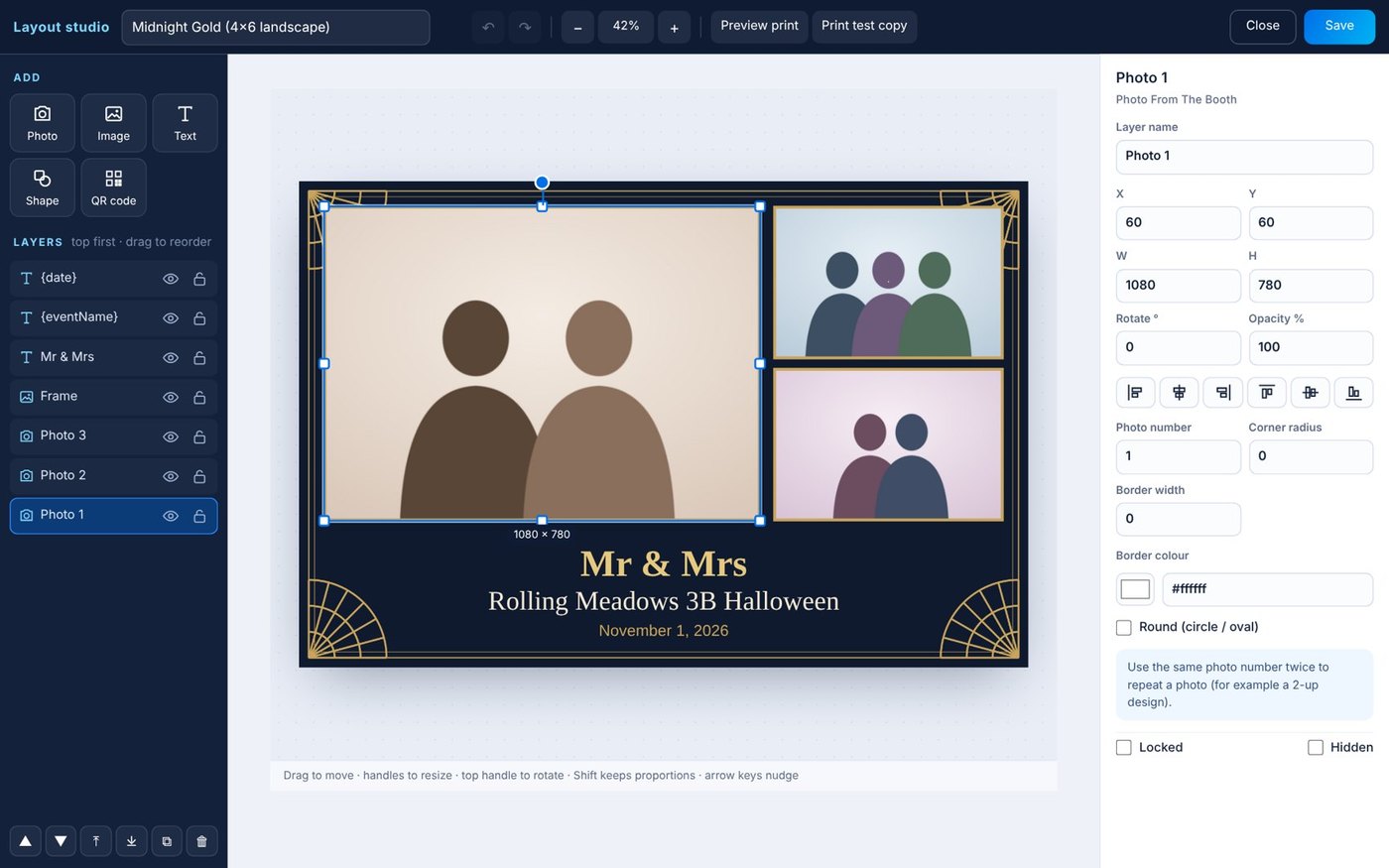
Layout studio New
Build print layouts with layers: photos, images, text, shapes and your frame. Cut and crop, auto-fit photos to your windows, and use the event name and date as live text.
Made for photobooth businesses. Let guests run the booth themselves or shoot it yourself from your phone, print strips on the spot, and put your own logo and business name on every screen. It works offline at the venue, so the Wi-Fi never gets in the way, and you can upload photos to hosted storage so guests download theirs by QR code.
Guests run the booth themselves on a touch screen. Bad shots get fixed before anything is printed. Prefer to run it yourself? See operator mode ↓
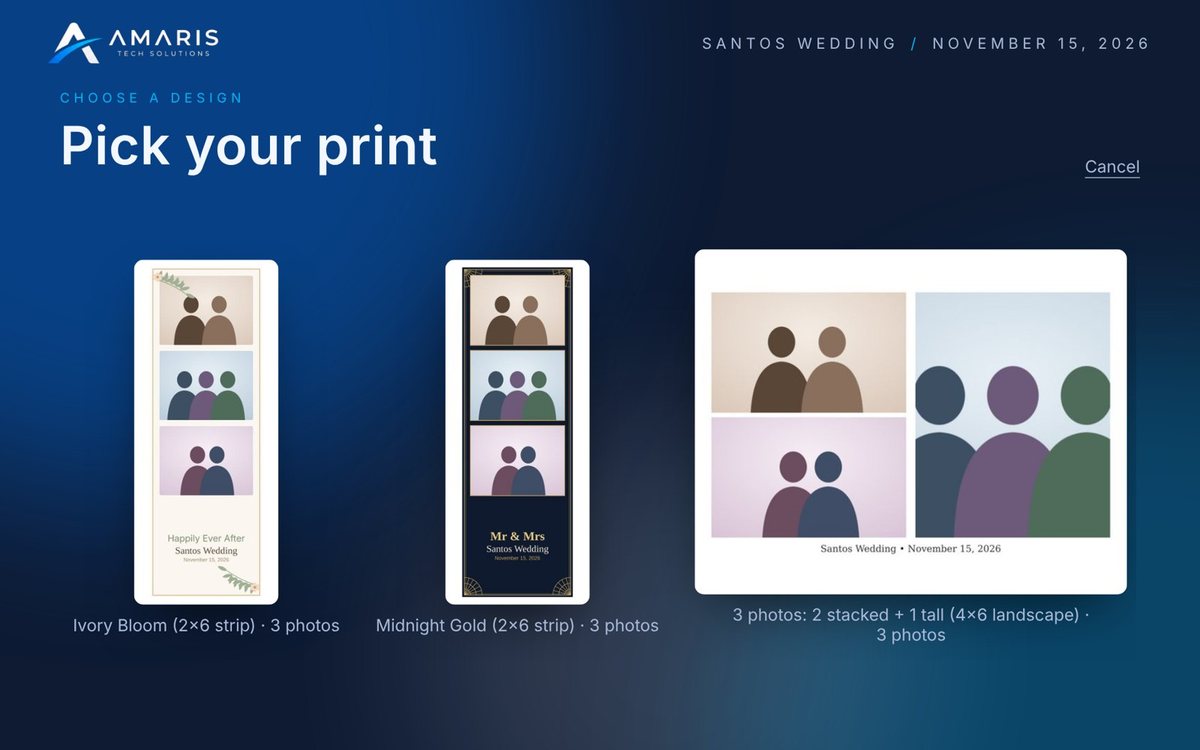
Guests choose from 2 to 4 designs you allow, or skip straight to shooting.
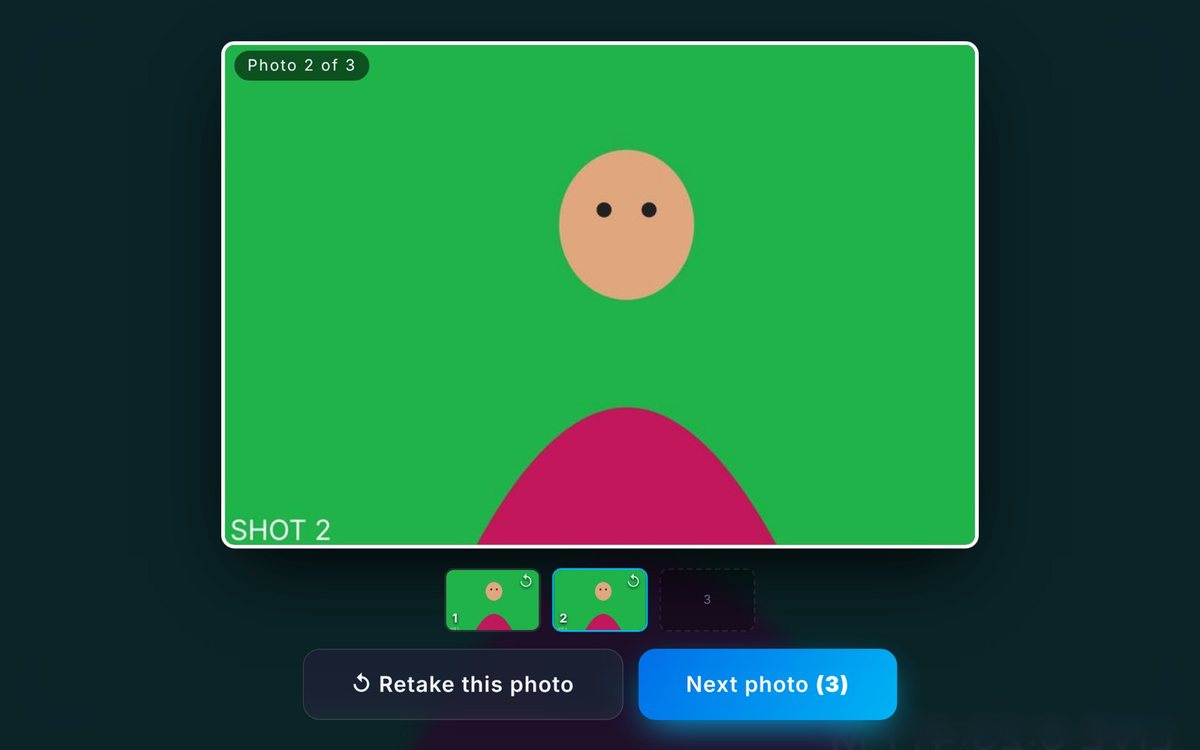
A countdown runs before each photo. A closed eye or blurry shot is retaken on the spot.
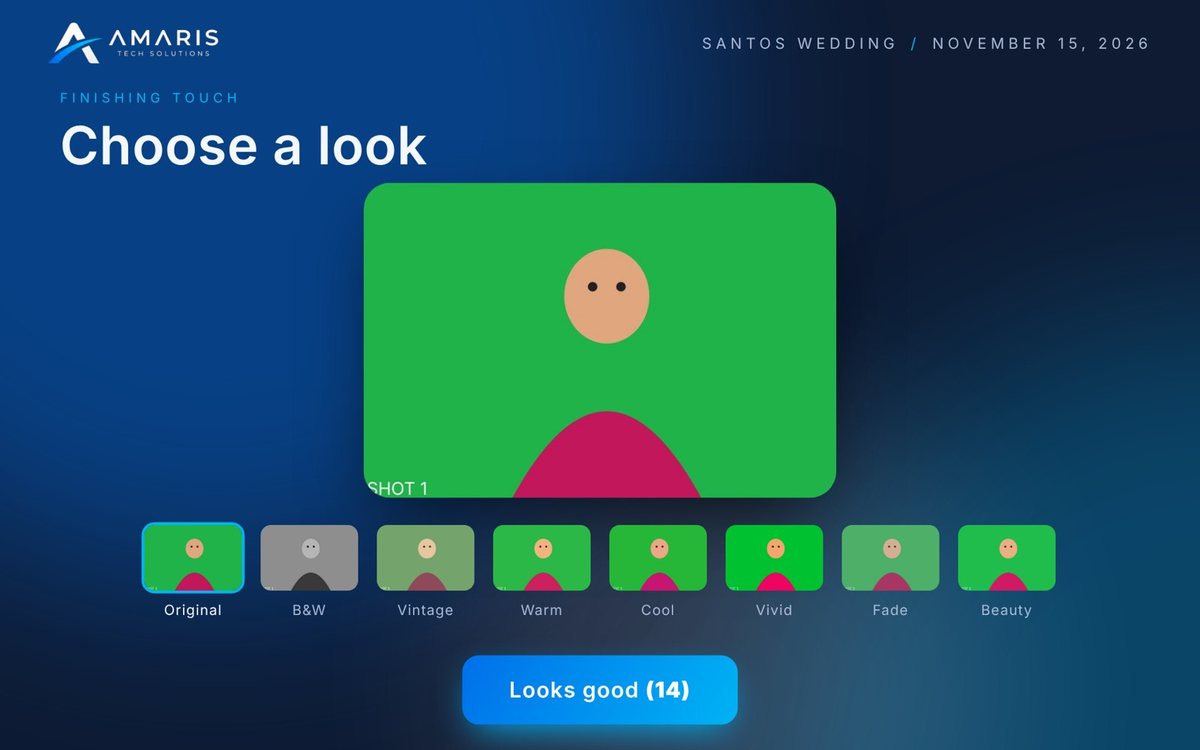
Original, B&W, Vintage, Warm, Cool, Vivid, Fade or Beauty.
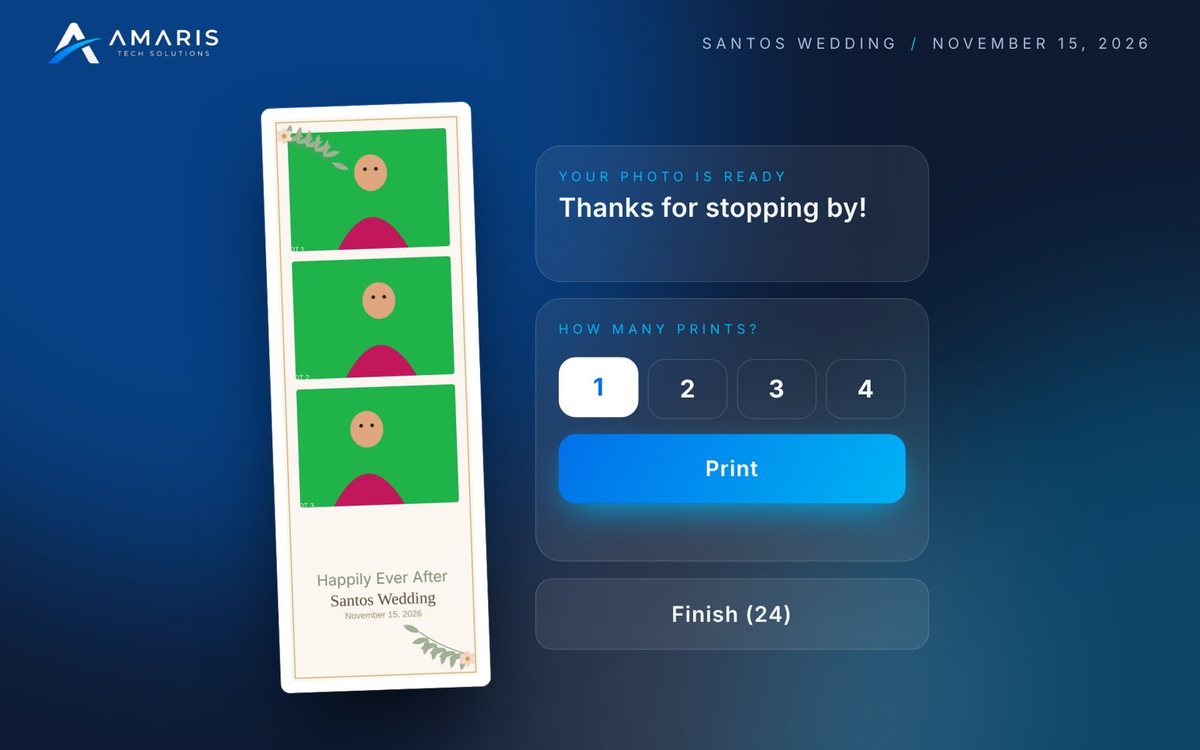
They pick how many copies, within the limits you set, and tap Print.
For photographer-led events, guests just pose while you control every shot. Run the operator panel right on your booth laptop, or from a phone or tablet on the same Wi-Fi. The booth screen tells guests “Our photographer will start your session”.
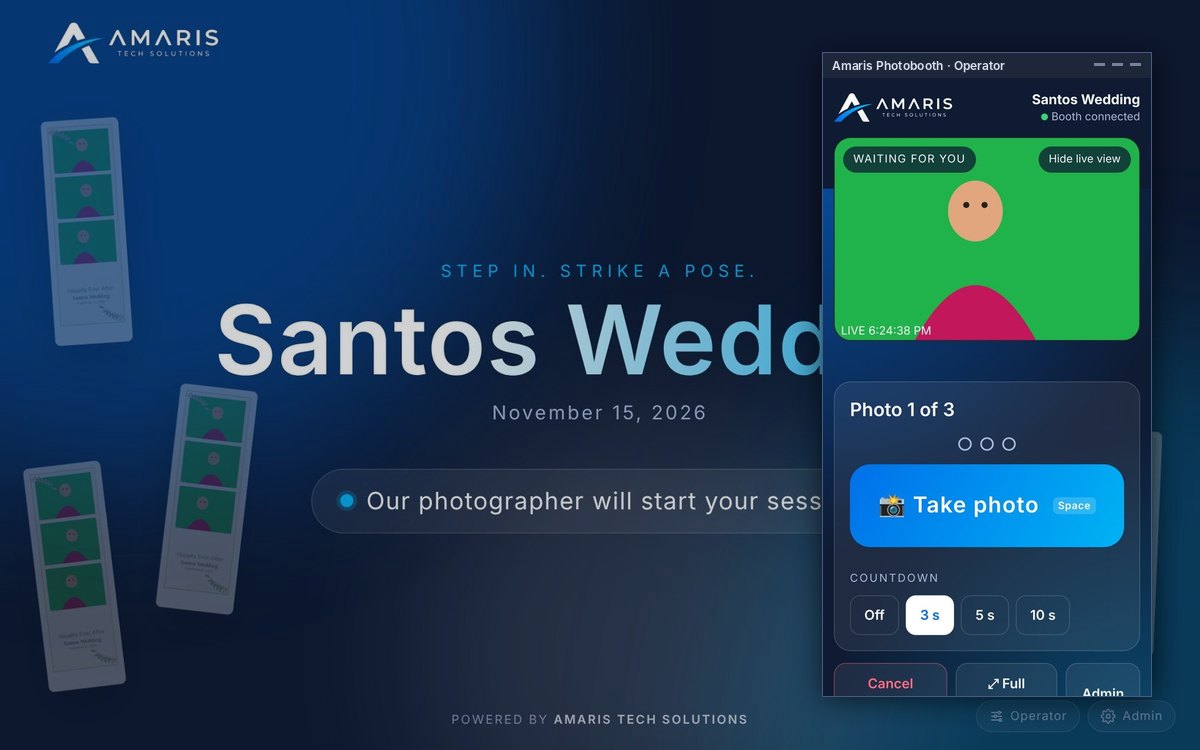
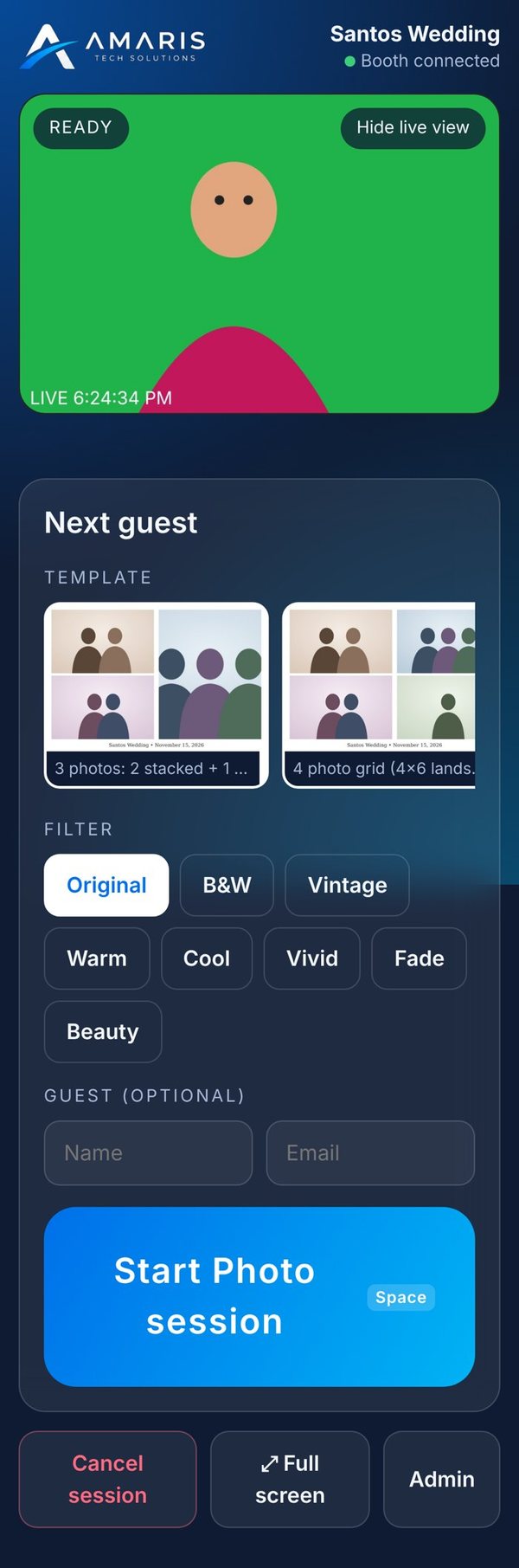
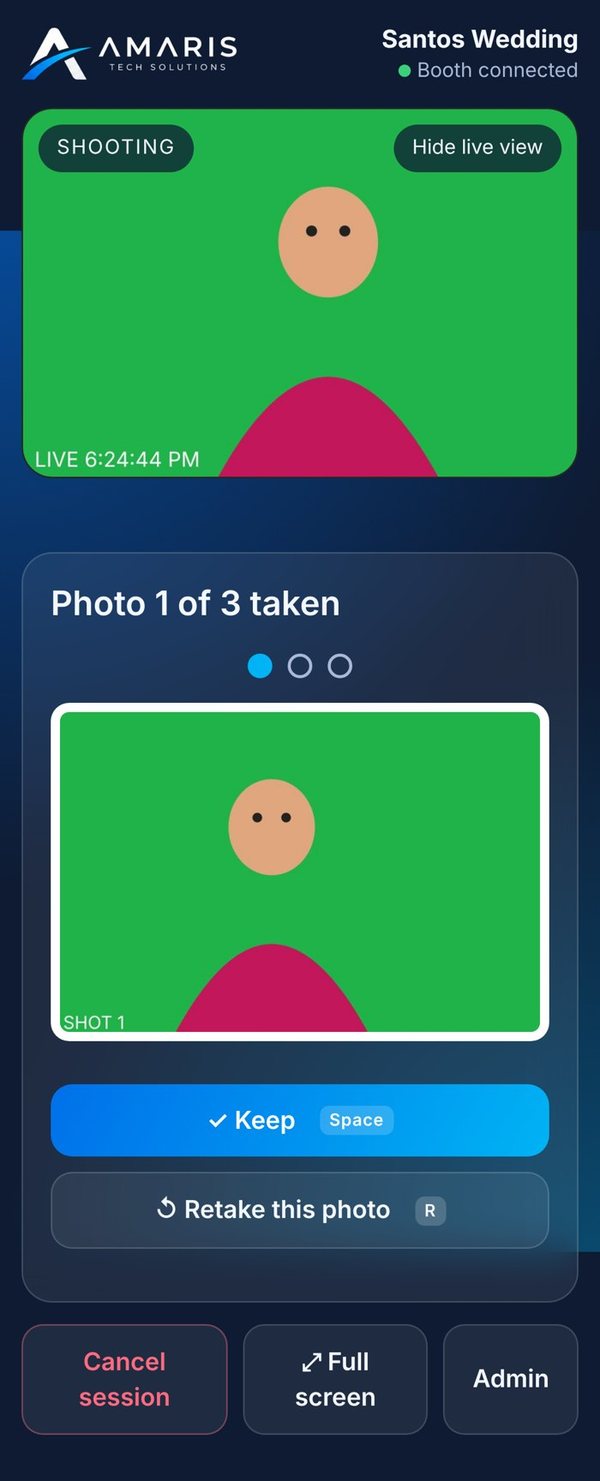
Press the Operator button or Ctrl + Shift + O. The panel opens in its own window while the booth stays full screen. Have a second monitor? Drag the panel onto it so guests only see the booth.
No extra device neededWalk around the venue and shoot from your hand. Turn on phone and tablet access in Admin → Operator mode, connect to the same Wi-Fi as the laptop, open the address shown and enter your PIN.
Same Wi-Fi as the laptopSet up the same way as a phone, with a bigger screen for choosing templates and filters and checking every shot before it prints.
Same Wi-Fi as the laptopA simple browser version of the booth screen. It uses a simulated camera, like the real app's practice mode, or your own webcam if you allow it.
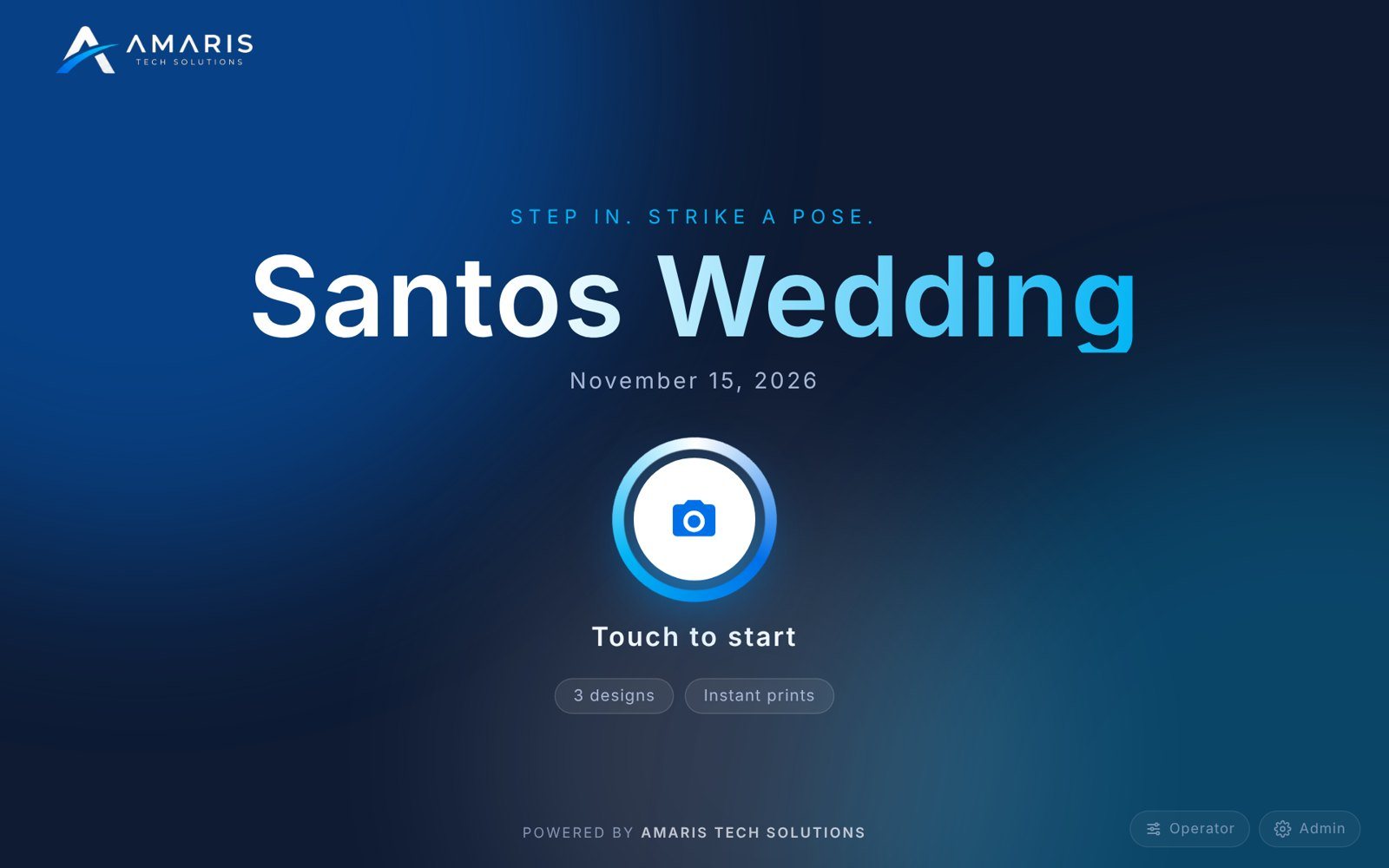
Santos Wedding · November 15, 2026Set up each client's event once in the Admin panel, then reuse it for repeat bookings.
Guests see your brand, not ours. Rebrand the booth for your photobooth business, or for each client's event, so every setup looks polished and professional.
Don't want to use ours? Design your own print layout in Photoshop, Canva or any design app, and upload it to the booth, or build one from scratch in the Layout studio. Every event can have its own look, down to the frame, the photo spots and the text.
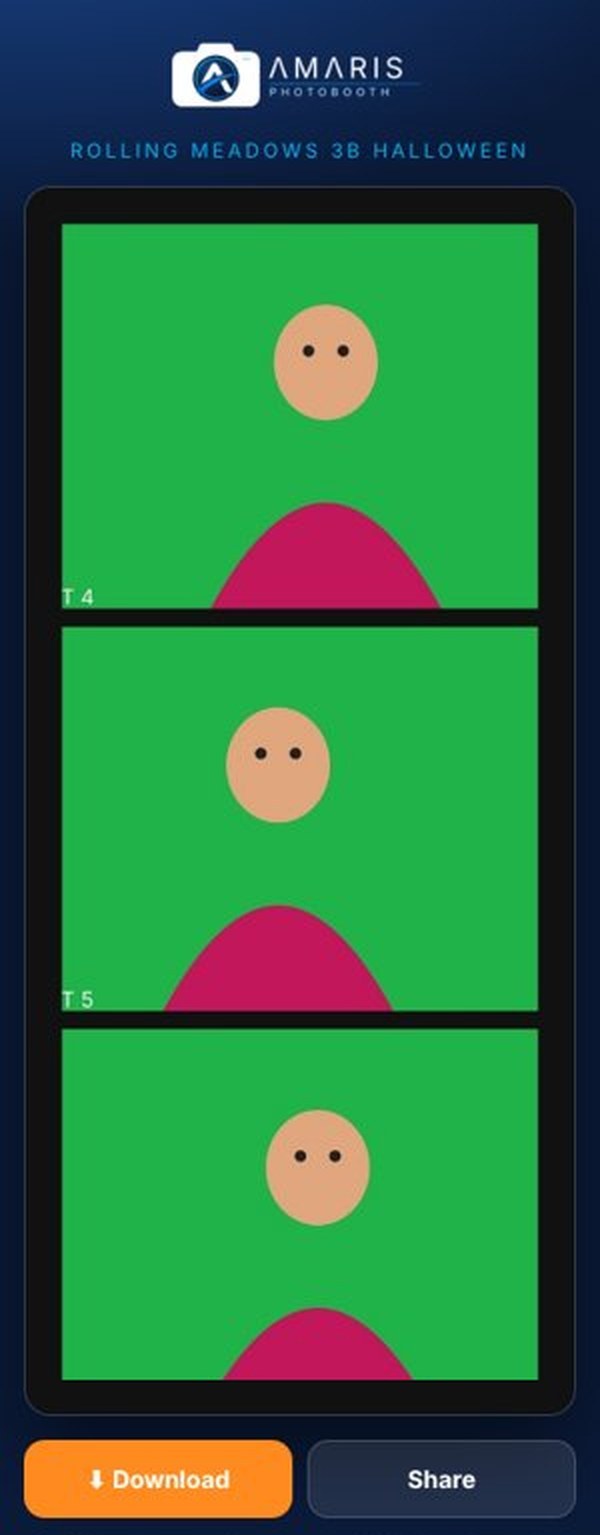
The booth still works with no internet. When you want guests to take their photos home, switch on QR download: after each session the booth shows a QR code, and guests scan it to download or share their photo on their phone.
QR downloads need internet at the venue and an activated license.
Ready: QR codes work while the booth has internet. Photos made offline upload as soon as it is back online.
Design your own layouts and start screens, run two printers, and drop photos straight in from a card.
Build print layouts with layers: photos, images, text, shapes and your frame. Cut and crop, auto-fit photos to your windows, and use the event name and date as live text.
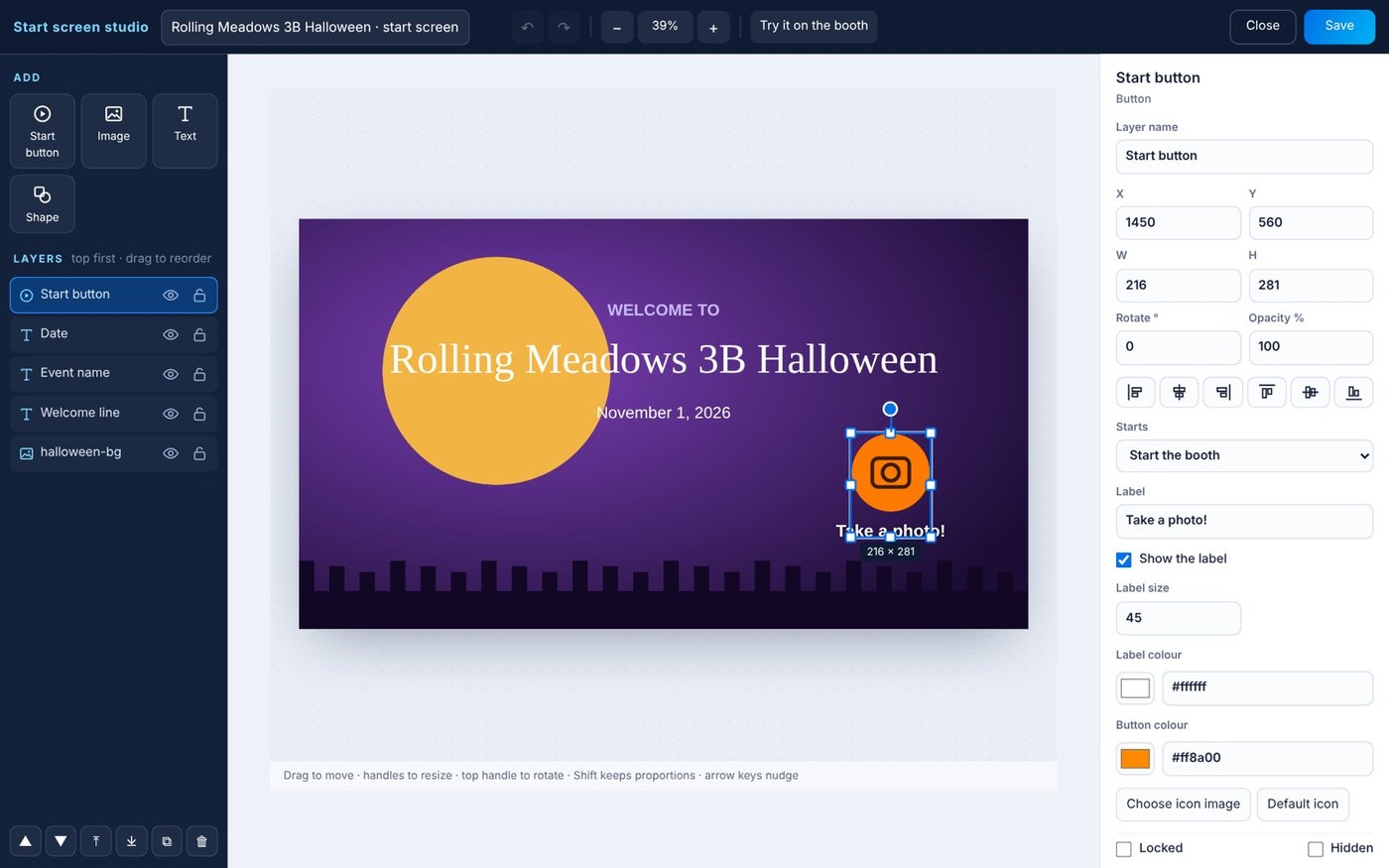
Design the screen guests see for each event: your background, event name, logos, and Start buttons with your own icons, placed wherever you like. Add a guest photo gallery button too.
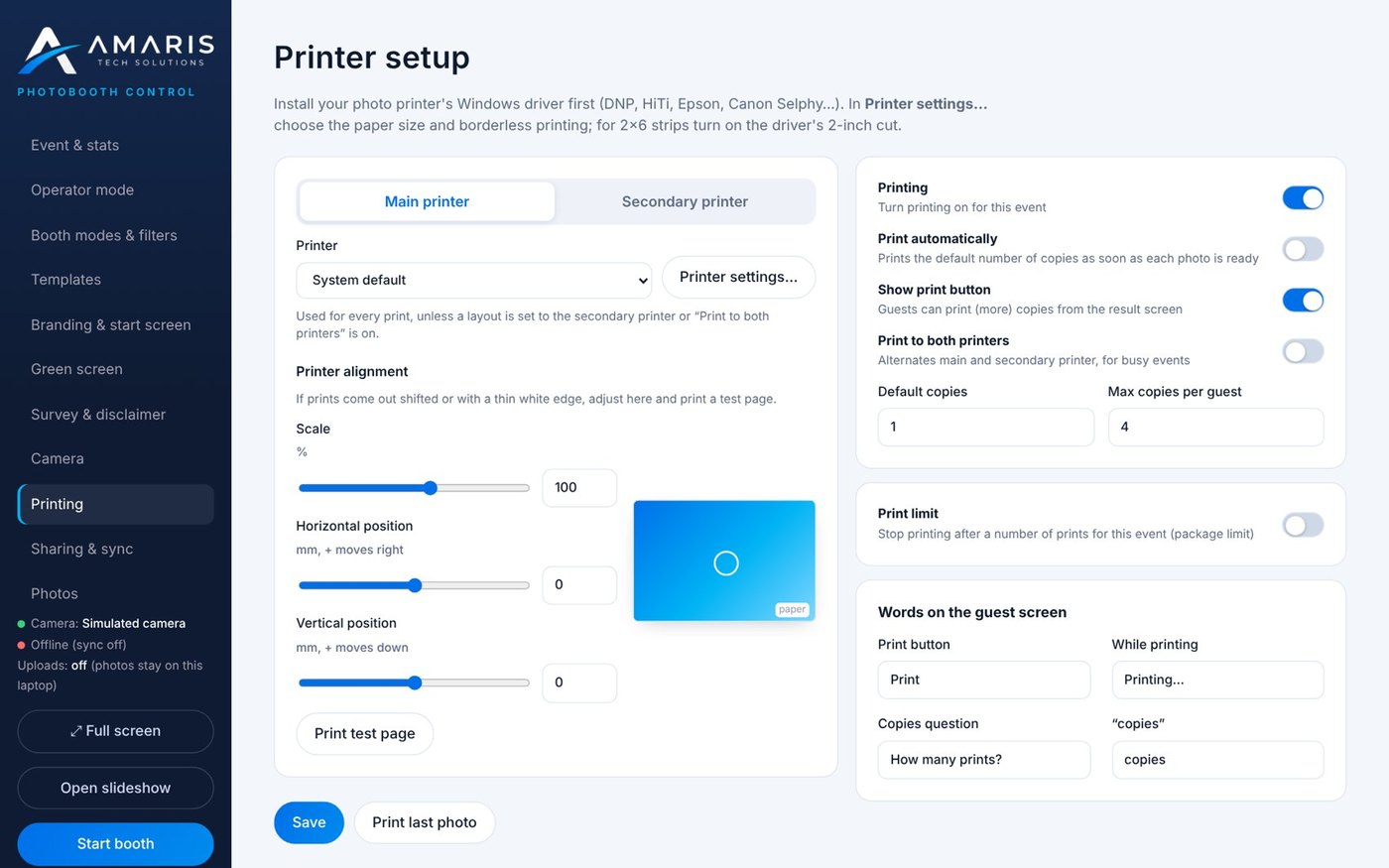
Add a second printer and alternate jobs at busy events. Fine-tune scale and position per printer, and change the guest print wording, even to Filipino.
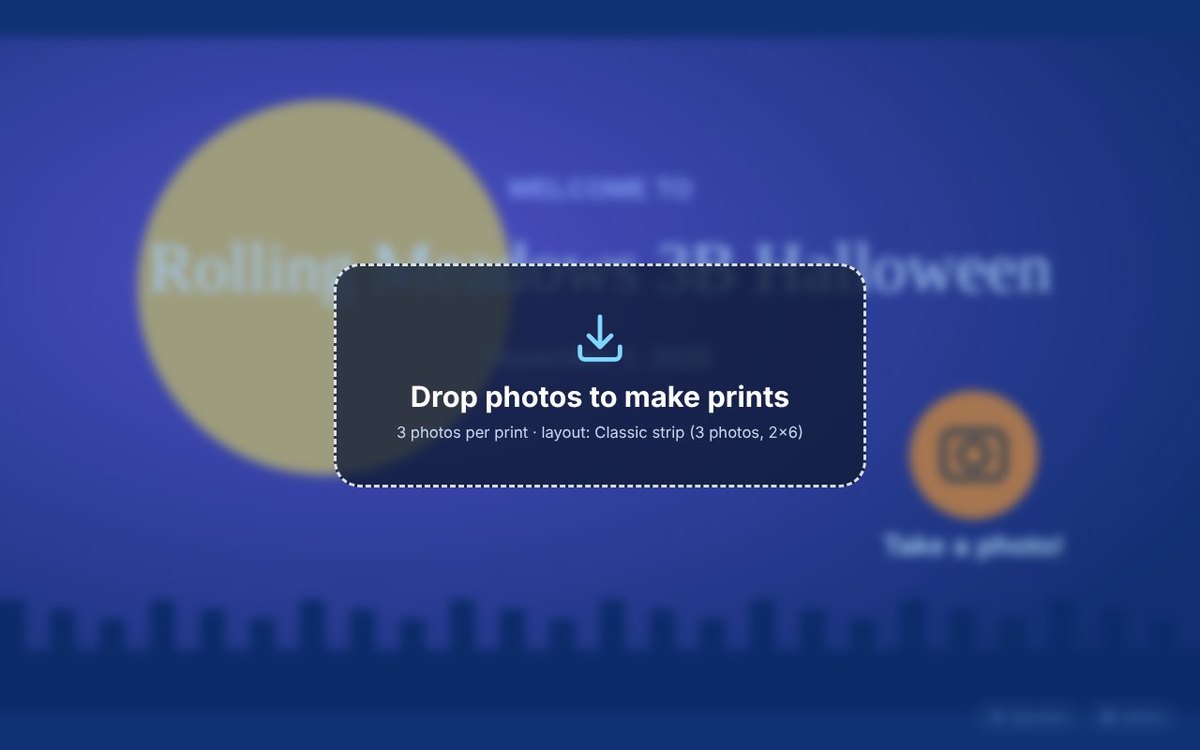
Drag photos from a camera card or folder onto the start screen. They fill your default layout automatically, ready to print.
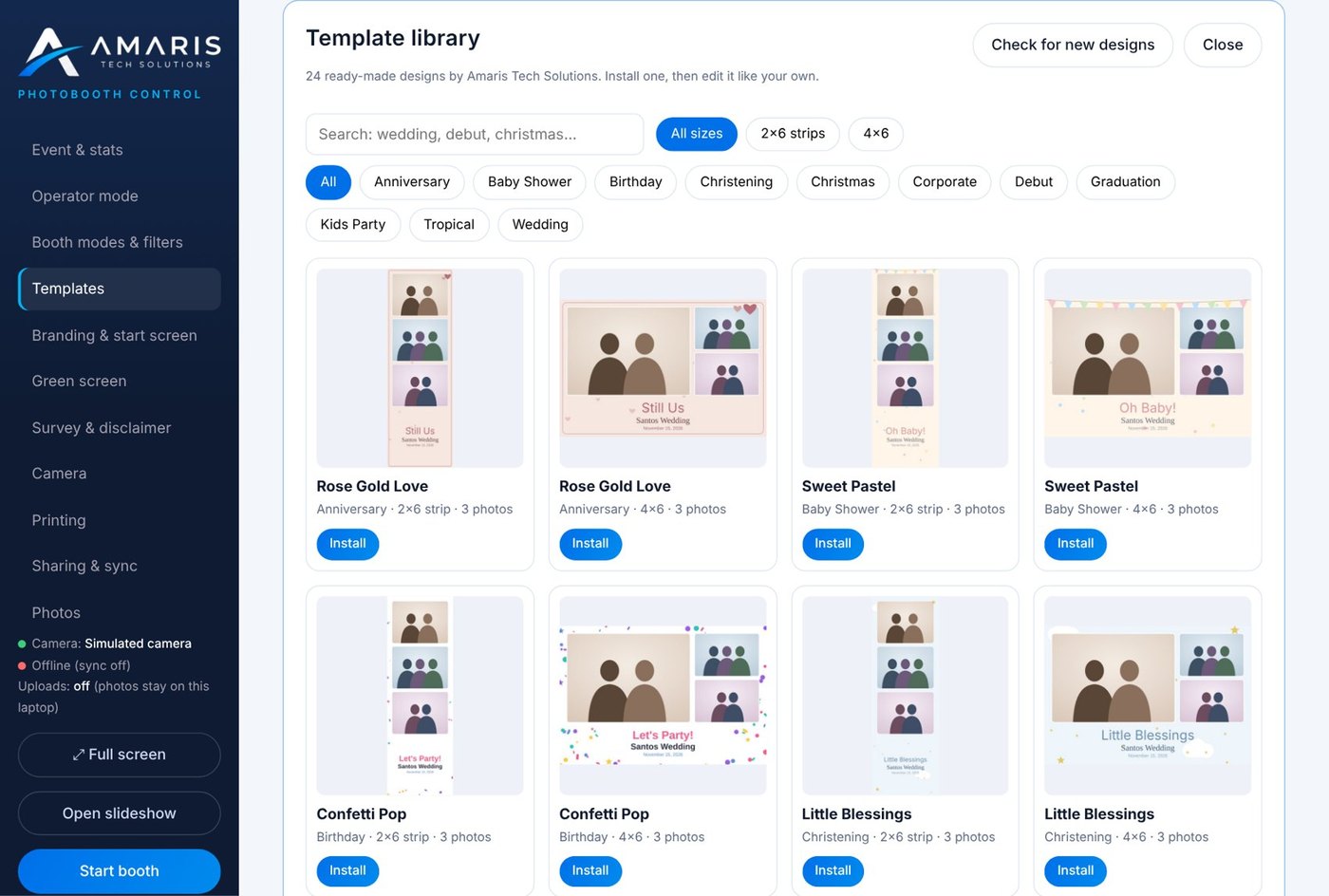
Install a ready-made design and edit it like your own. When a newer version is published you can update it, and your own text changes are kept.
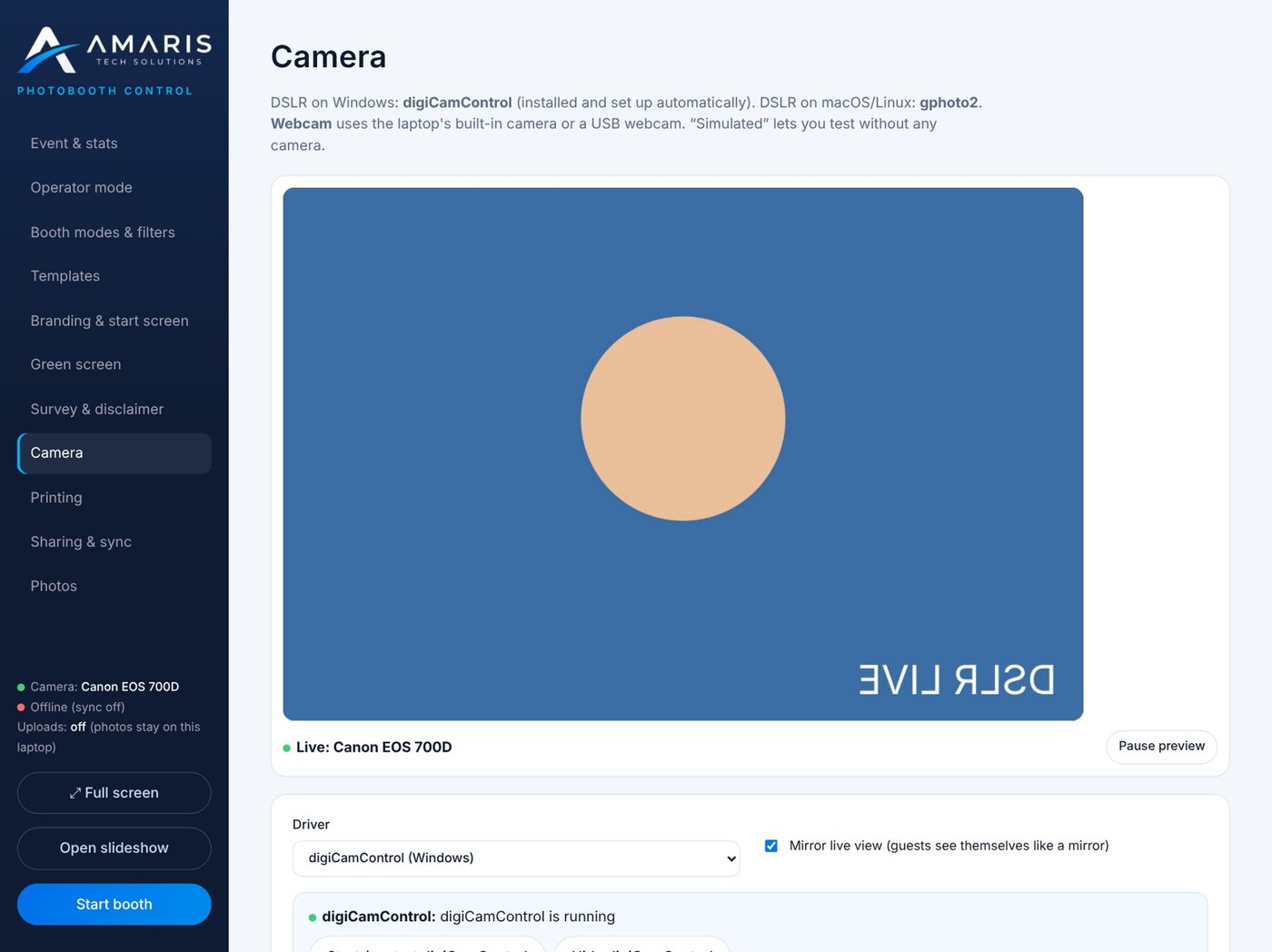
DSLR through digiCamControl, a laptop or USB webcam, or a simulated camera for training staff and designing templates.
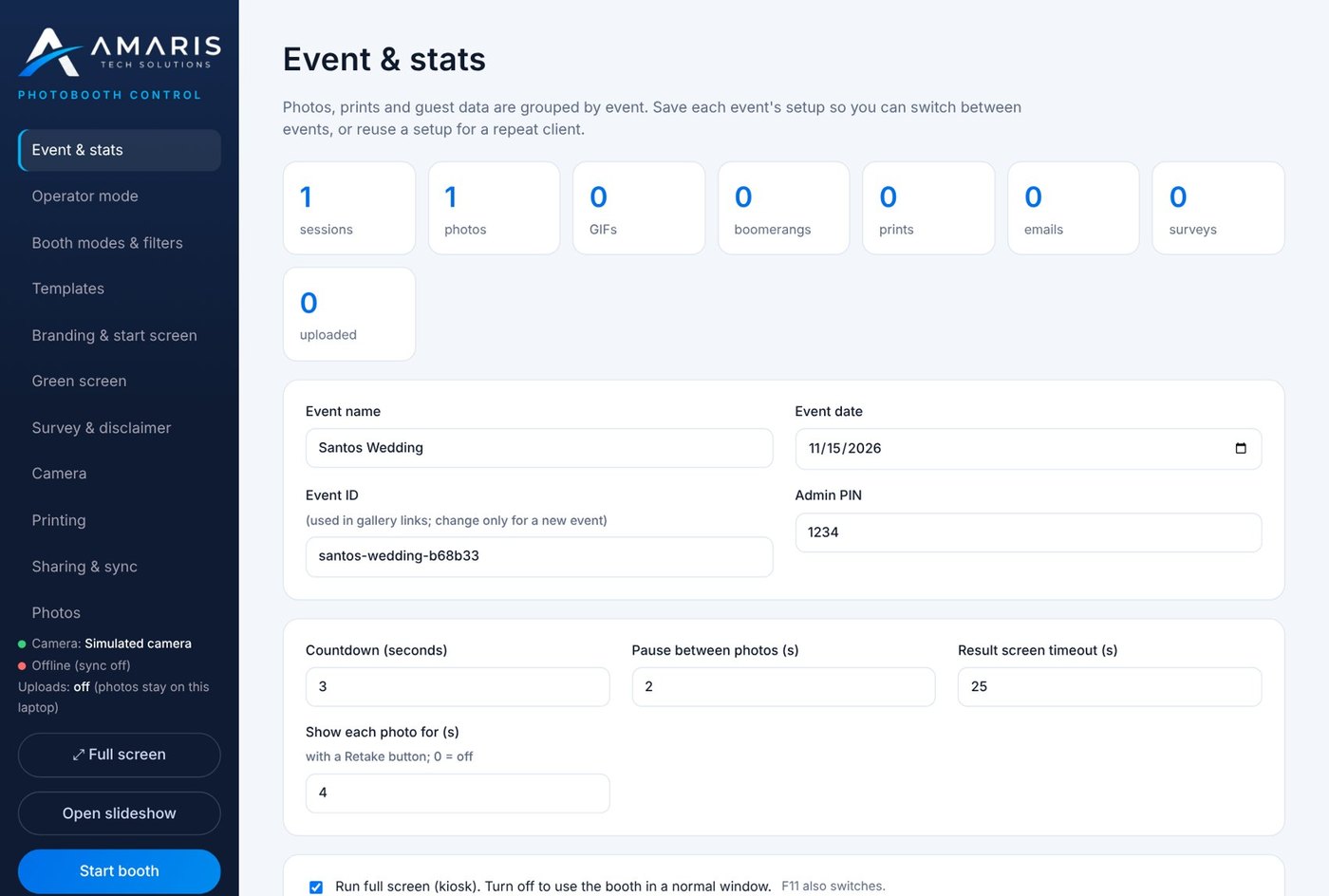
Save each client's setup and reuse it for repeat bookings. See sessions, photos, GIFs, boomerangs, prints and emails at a glance.
Turn on one mode or let guests choose. Pick which of the eight filters guests may use, and set the default.
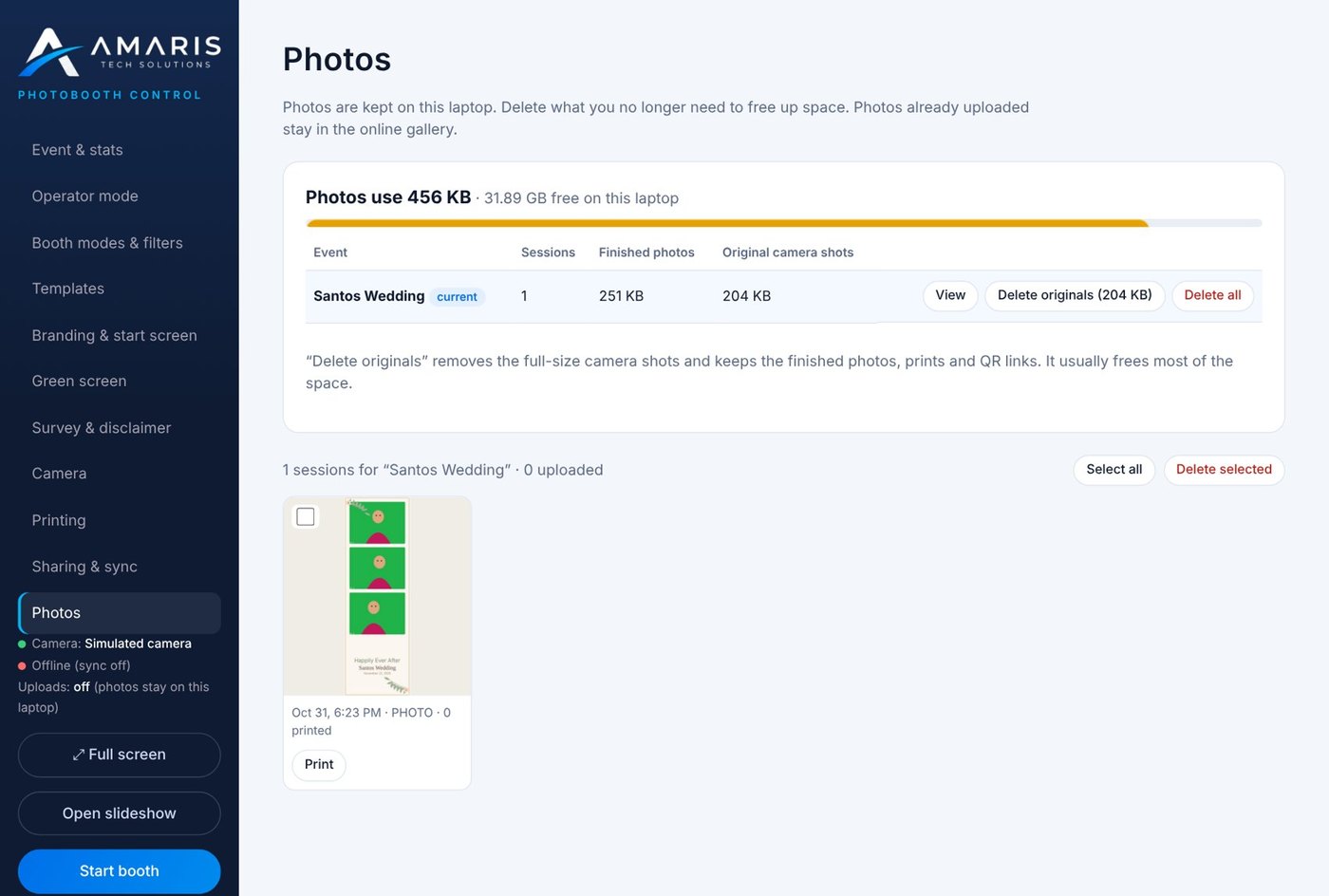
Every session per event, with reprint, and a one-tap way to free space after each event.
Every plan unlocks every feature. Each license covers one laptop.
For a single event or weekend
Pay month to month
For busy event seasons
Pay once, keep it
| Operating system | Windows 10 or Windows 11, 64-bit |
|---|---|
| Processor and memory | Intel Core i5 / AMD Ryzen 5 or better, 8 GB RAM |
| Disk space | About 1 GB for the app, plus space for photos (a DSLR event can use several GB) |
| Screen | 1280 × 800 or larger. A touch screen is recommended for guest mode. |
| Camera | Most Canon and Nikon DSLR or mirrorless cameras by USB (recommended), or a built-in or USB webcam |
| Printer | A photo printer with its Windows driver, such as DNP, HiTi, Mitsubishi or Canon Selphy |
| Internet | Not needed to shoot and print at events. Needed to activate your license, for QR photo downloads, and for template library updates. |
Not to run the booth. Shooting, retakes, filters and printing all work offline, and photos stay on your laptop. You only need internet if you want guests to download their photos by QR code, because photos are uploaded to hosted storage for 3 days. Without it, nothing is uploaded.
Yes. Turn on QR download and the booth shows a QR code after each session. Guests scan it and download or share their photo from their phone. Photos stay online for 3 days and are then deleted automatically. You can switch it off for any event.
You get a license key from Amaris Tech Solutions and activate it once while online. After that the booth works offline, and checks in by itself when it is online. It must go online at least once every 14 days. A key works on one laptop, and you can move it to another by deactivating the old one first.
Yes, we can give you a free trial of 3, 5 or 7 days. Message us to ask for one.
No. Each license covers one laptop. If you run two booths at the same time, you need a license for each laptop.
The 72 hours count from the moment you activate the pass, not from when you buy it.
Most Canon and Nikon DSLR and mirrorless cameras connected by USB. Camera support (digiCamControl) is installed automatically with the app. Any laptop or USB webcam also works, which is good for testing and budget setups.
Yes. Upload your logo (or your client's), choose your colours, welcome line and thank-you message, and add a background image or looping video. You can also switch off “Powered by Amaris Tech Solutions” so the booth carries only your brand.
Yes. Upload PNG designs with transparent windows where the photos go, and the booth finds the photo windows automatically. You can also build a layout in the Layout studio, or start from one of the 24 ready-made designs and edit it.
The app keeps working on that laptop forever. Updates after the first 2 years are optional at ₱1,999 per year.
Version 1.3.1 is for Windows 10 and 11 (64-bit).
Read the full installation and user guide. The installer download is coming soon.